Auditor - Controller
Documents
Training Materials
Forms
AP Forms
Budget Forms
Federal Financial Assistance Schedule
Fixed Assets
Misc Forms
Central Square User Group Information
Financial User Guides
Central Square User Group Information
HR User Guides
Financial User Guides
Agendas
UKG Upgrade Resources for supervisors
- Register to the UKG Community
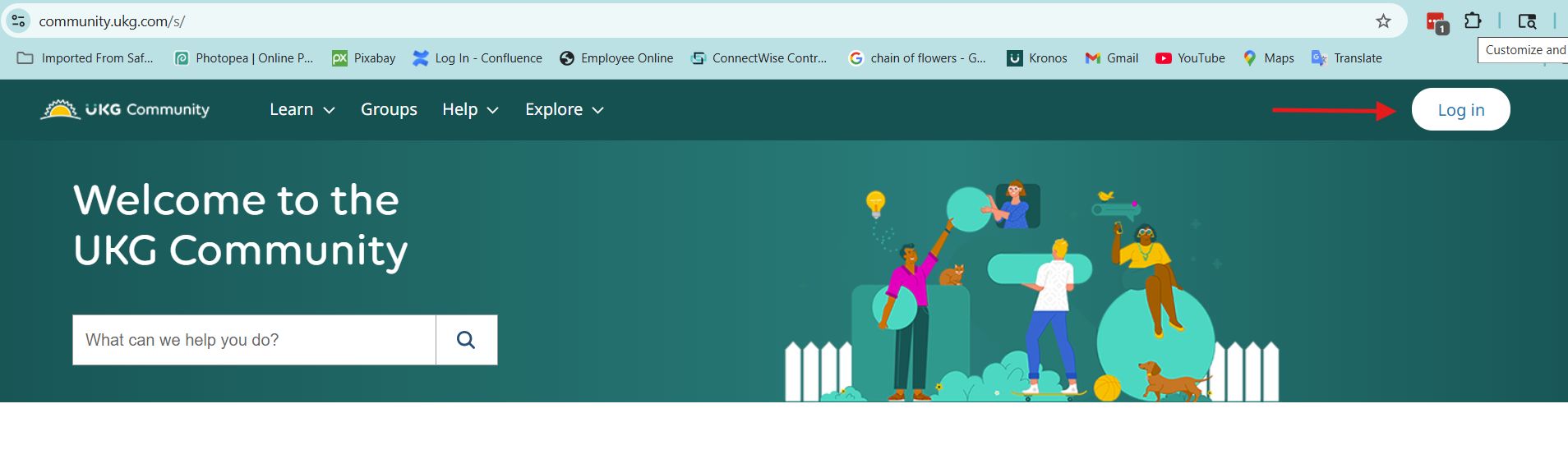
- Login to the UKG Community
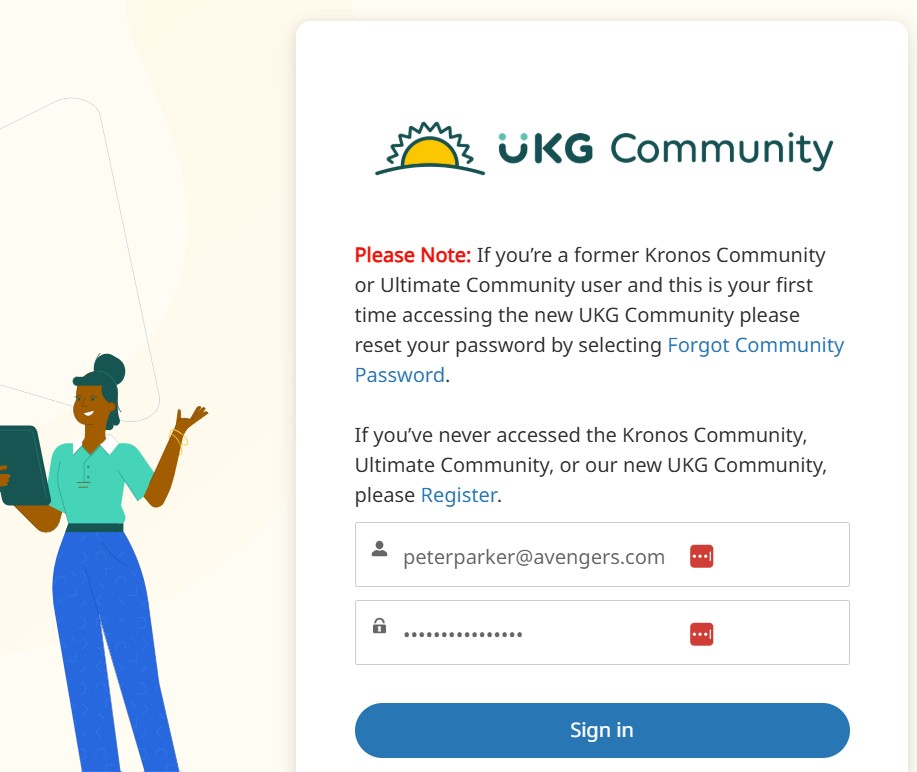
- Enter your credentials and click on the 'Sign In' Button
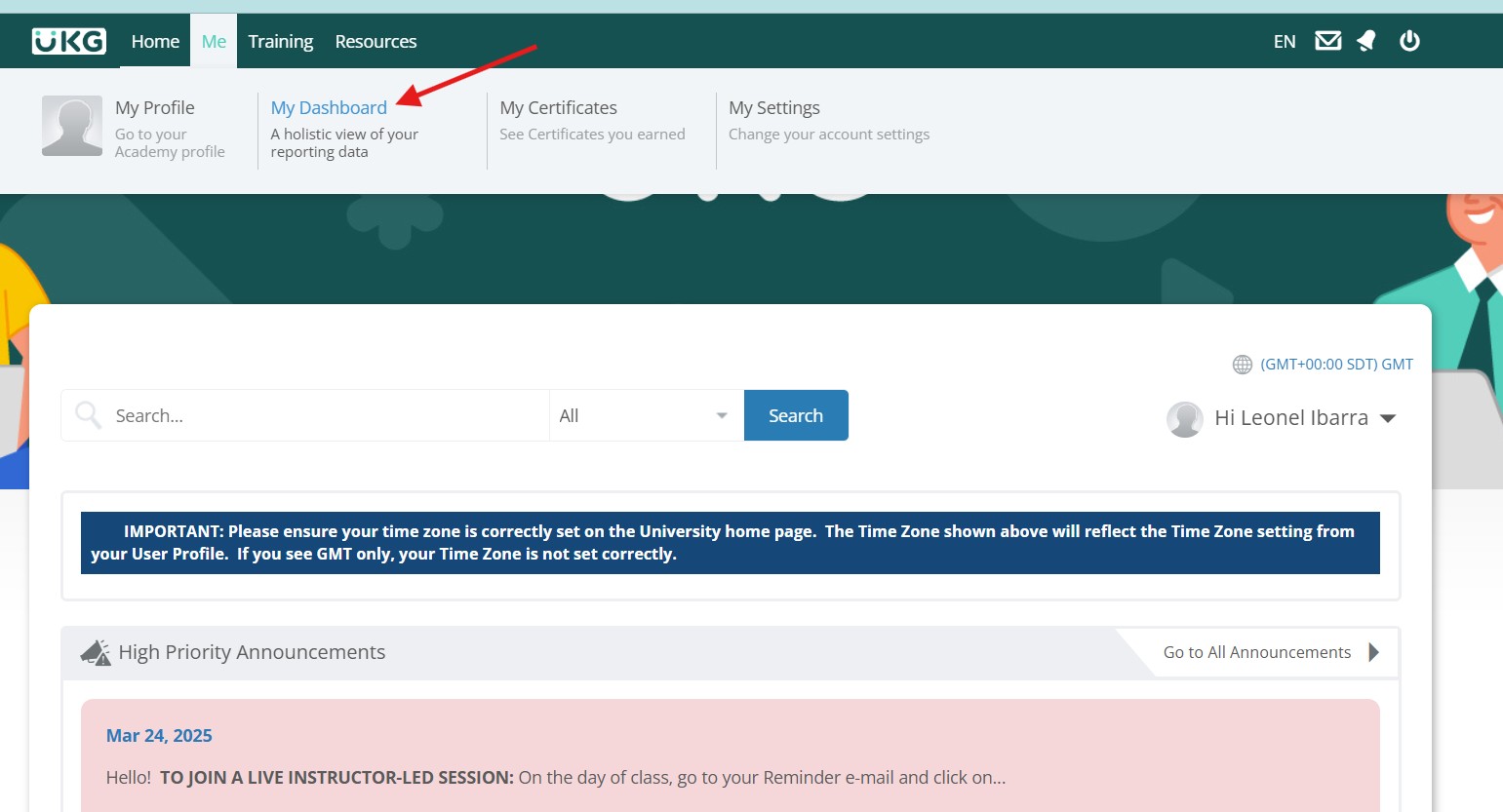
- Once you've logged in, you can now go to the UKG University Page
- In the UK University page, go to the top menu, hover the mouse on the 'Me' item and then click on 'My Dashboard'
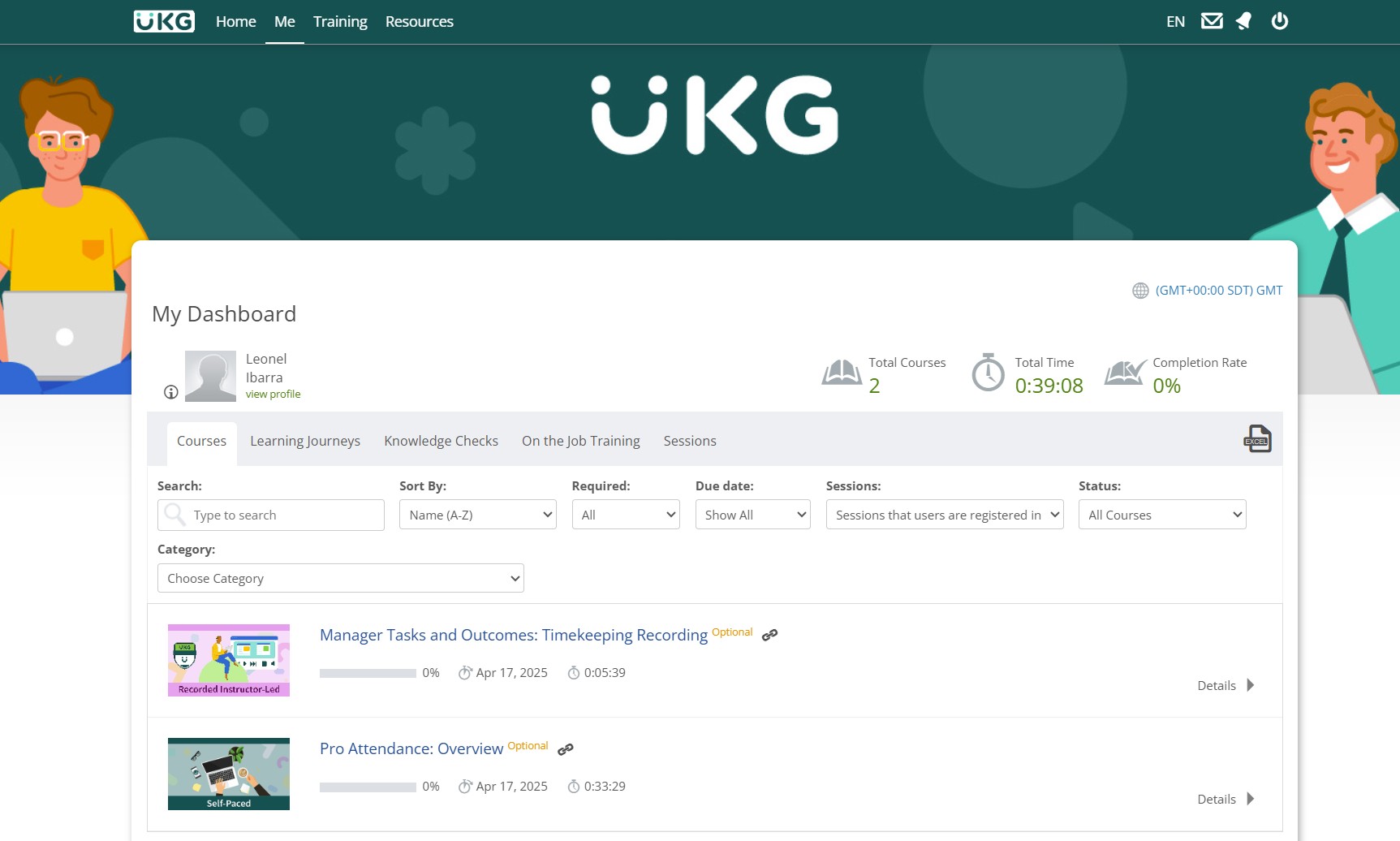
- The Dashboard displays all of the courses that you need to take.